
Product Studio
Turn phone photos into product images for your store.
Create image series and matching product copy in your brand style. Use the Product Studio to update existing products, add new ones and apply your style across your catalogue.
Free analysis, 500 starting tokens and a 30-day trial.
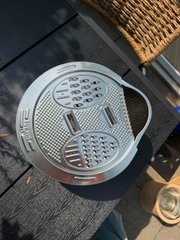
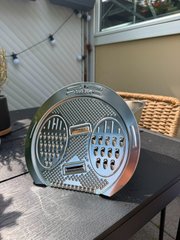
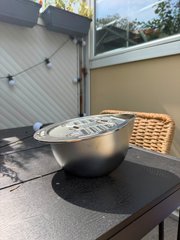
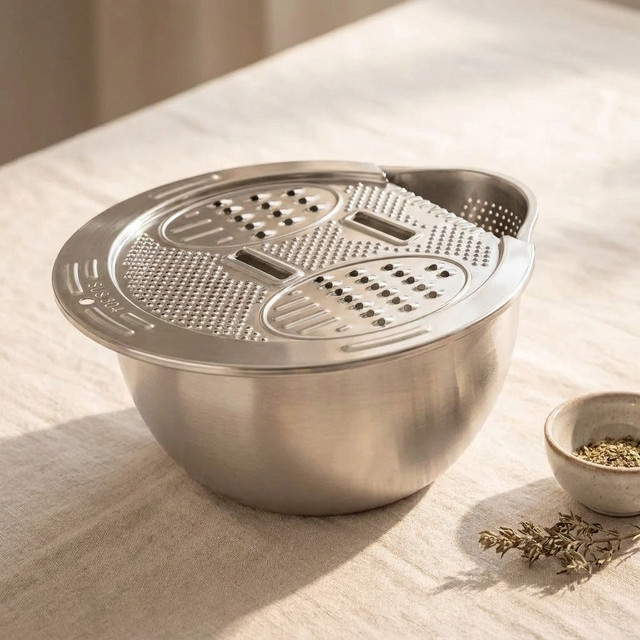
Image series, title and description
The studio in action
See product images and copy come together.
Start with your product and its photos. Choose an image style and writing style, then review your completed listing.
Choose your product and the photos that show what it looks like.
Set the tone and structure of your product copy.
Compare the images and edit the title, benefits and description.
Your products are explained in the context of your brand.
Product features, audiences and brand style are available in the studio. You add new information and decide how your products should be shown.
01 / Improve products
Refresh the images and copy of existing products.
Choose a product from your catalogue. MANTRAL uses the existing information to develop new content.
- Choose a product
- Existing product data and reference images are the starting point. Add any details that matter for its presentation.
- Create an image series
- Show your product as a packshot, in use or in a suitable scene. You choose which images to create.
- Improve the copy
- Create titles, benefits and descriptions using your writing style and relevant keywords.
Images and copy belong to the same product and can be reviewed individually.
New images and copy for your product.
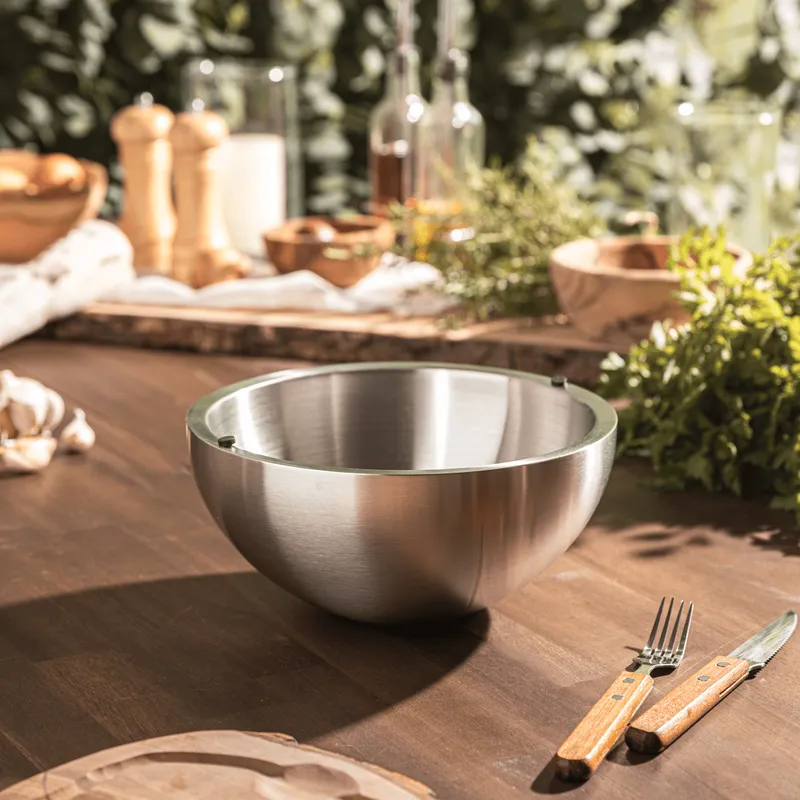
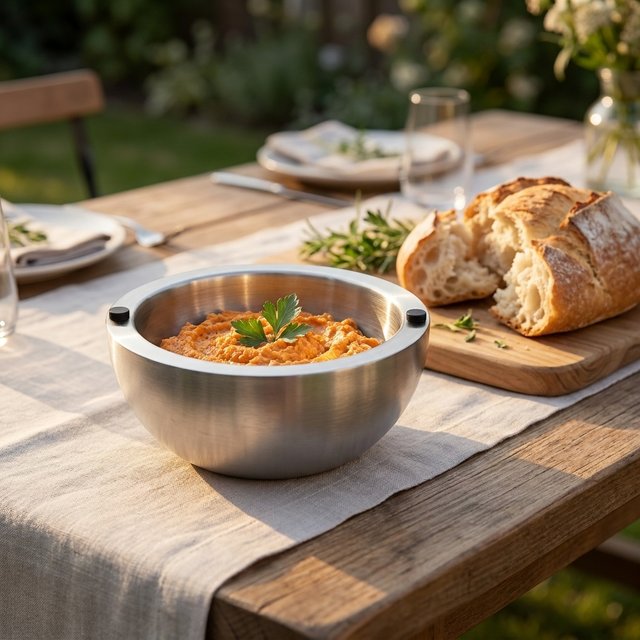
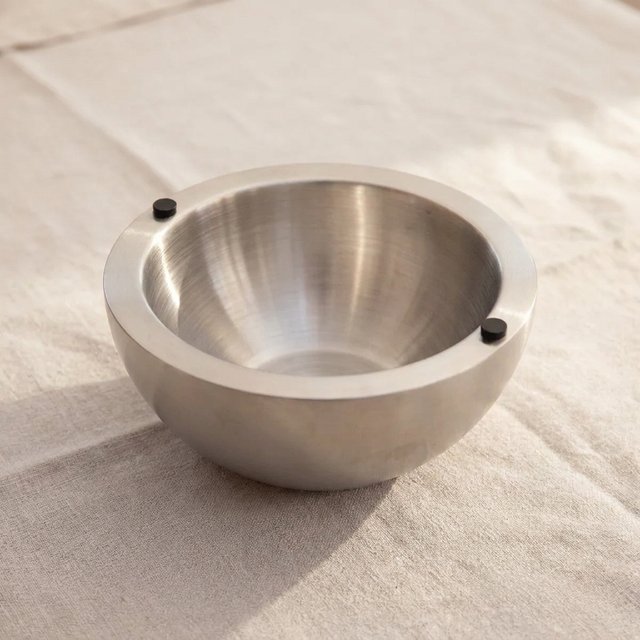
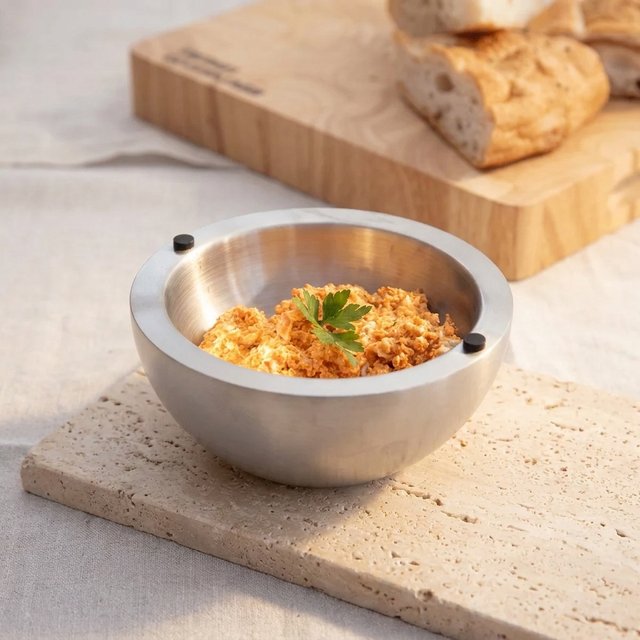
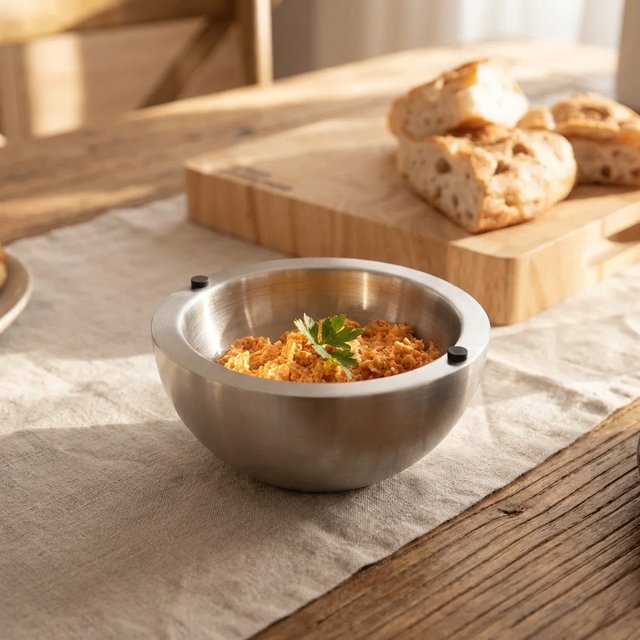
Thermo Bowls for chilled side dishes
Serve salads and side dishes chilled, straight at the table.
Results from the studio
One product becomes a coherent image series.
Switch between products and open the images to see them in full size.
Select an example to see it in full size.
Show your own products with new images and copy.
Start for free02 / Create new products
Turn your phone photos into new product content.
Your new product does not need to be in the store yet. Upload photos, add its features and create the images and copy.
- Phone photos
- Use your own photos that clearly show the shape, material and important details of your product.
- Product information
- Add the name, features and benefits. These details provide the factual foundation for creation.
- Finished content
- Create an image series, a product title and its description. Review product details and copy before use.
The inputs shown are the original phone photos of the Multibowl.
Phone photos and product data become a new listing.
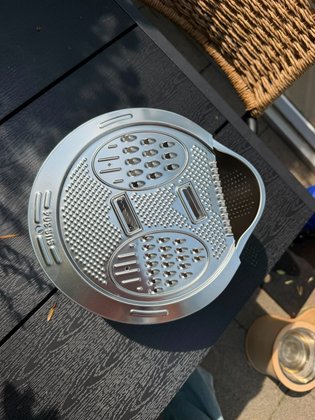
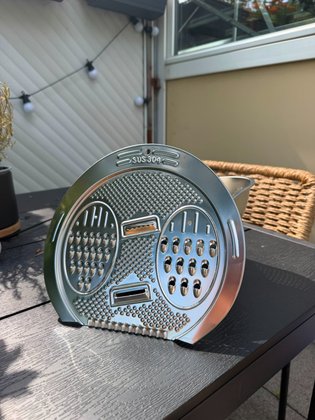
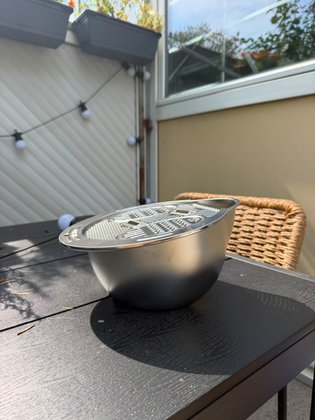
Bowl, sieve and grater
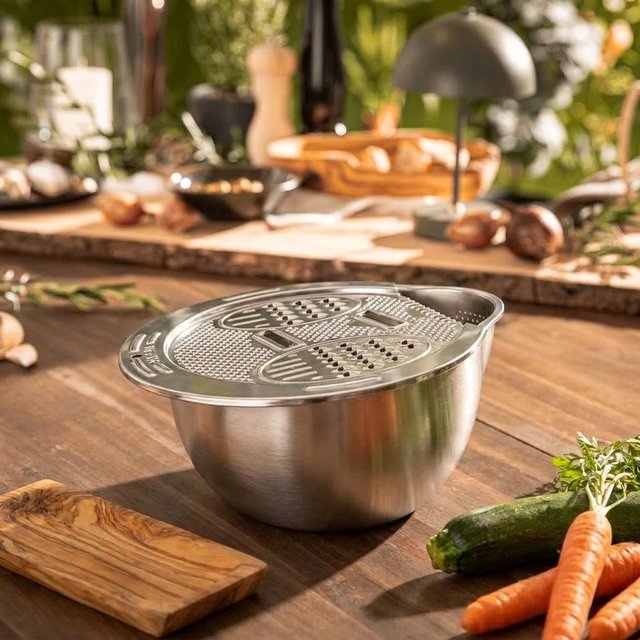
Multibowl for preparing and serving
Grate, drain and serve with a bowl, sieve and grater.
03 / Use your own templates
Apply your image style and writing style to more products.
Define recurring requirements once. Further products can then share a consistent visual world and tone of voice.
- Image templates
- Define the shots, scenes and design for recurring image series.
- Copy templates
- Set the structure, tone and required content for your product copy.
- More products
- Apply your templates to other products and review the results for each one.
Your catalogue stays visually consistent while each product gets its own content.
Your style for more products.
- Image template
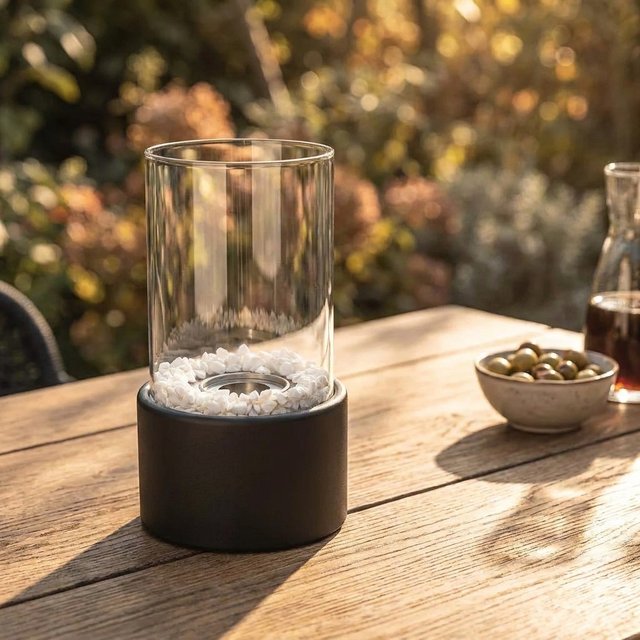
- Products in use. Warm light, natural materials.
- Copy template
- Title, benefits, description. In your tone of voice.
Product Studio
Give your products the images and copy that explain them.
Free analysis, 500 starting tokens and a 30-day trial.
Start for freeView pricing and features