
Newsletter Studio
Stay in touch with customers through newsletters.
Turn your products and topics into complete emails in your brand style. Edit them in the Newsletter Studio, plan upcoming editions and send them to your email provider.
Free analysis, 500 starting tokens and a 30-day trial.
The studio in action
See your topic become a newsletter.
Choose a topic, products and date. Adjust the draft in the editor and review the email before handing it over.
Set the topic, choose the products and plan the date for your edition.
Change the heading and adjust content directly in the email.
Review the email and choose how to send it to your email provider.
Every email uses the knowledge of your brand.
Products, audiences, tone of voice and existing insights are available. You set the occasion and choose which products belong in the email.
01 / Create in the editor
Create and edit newsletters with your own products.
A topic and product selection become an email draft. Adjust its text, images and structure in the visual editor.
- Create content
- Choose a topic and products. MANTRAL creates the email with copy and product content based on your brand.
- Edit visually
- Move content, change copy and swap images or products. The preview shows your email as you edit.
- Review the presentation
- Check desktop and mobile views, the subject line and preheader before handing over the edition.
You review the finished email before it goes to your provider.
Results from the studio
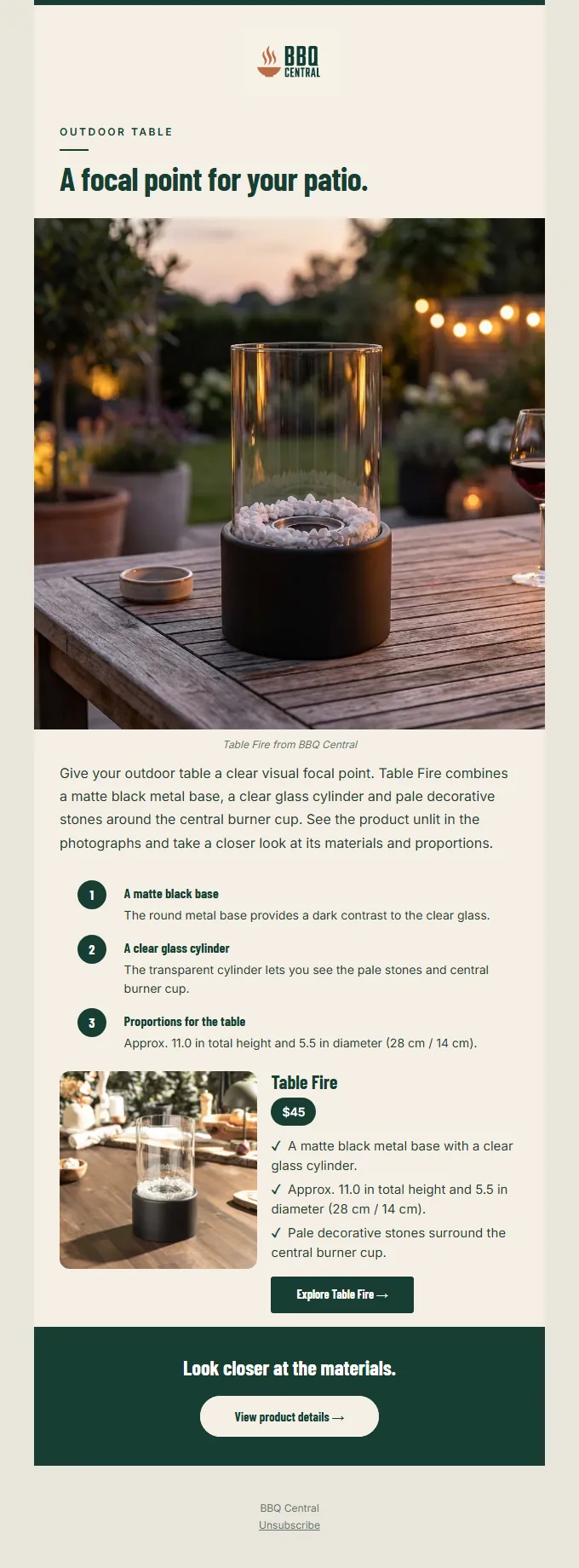
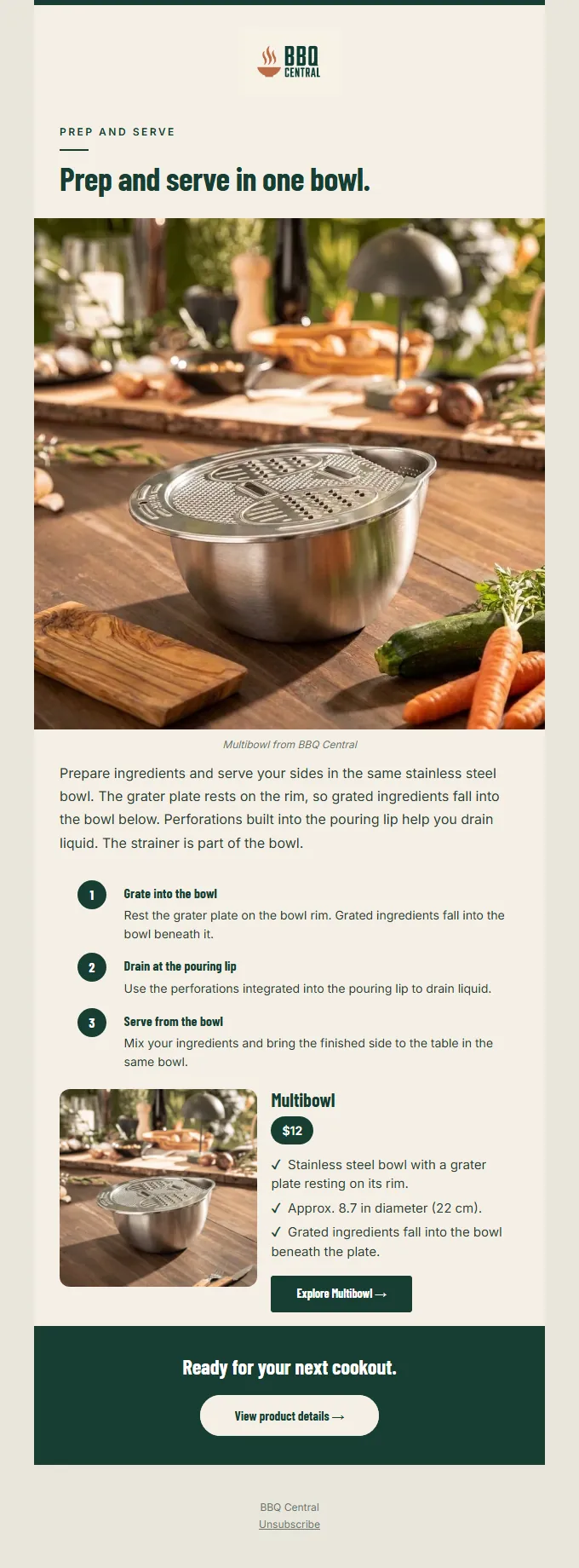
See how a product becomes a complete email.
The newsletters connect product images, content and relevant calls to action. Open an edition to see the full structure.
Select an example to see it in full size.
Prepare your next edition with your own products.
Start for free02 / Prepare email flows
Develop connected emails for your customer journey.
Prepare a welcome series or abandoned cart emails, for example. Each message gets a clear purpose.
- Define the occasion
- Choose the situation your flow should respond to and the goal of the email series.
- Plan the sequence
- Define steps, intervals and message content so the emails build on one another.
- Develop the emails
- Create and edit each message. Configure delivery in your email system.
Prepare the series as a whole while keeping control over each message.
The right emails for each step.
 ImmediatelyWelcome
Introduce your brand
 After 2 daysMeet the products
Explain the benefits
 After 5 daysSee them in use
Show practical examples
03 / Plan and export
Plan your newsletters and transfer them to your provider.
Keep topics and dates in the calendar. Then transfer the finished content to your existing email provider.
- Plan editions ahead
- Set topics, products and dates for upcoming newsletters, keeping the next tasks visible.
- Connect a provider
- Transfer content to Klaviyo, Mailchimp, Brevo, MailerLite or ActiveCampaign.
- Prepare delivery
- Check the subject, preheader and audience. Depending on the provider, a campaign draft or template is created; you confirm sending there.
Use HTML export for other email systems.
Newsletter Studio
Prepare your next newsletters in your brand style.
Free analysis, 500 starting tokens and a 30-day trial.
Start for freeView pricing and features