
Static Ads Studio
Test more ideas with up to 50 new ads.
Turn your idea into a full campaign in the Static Ads Studio. MANTRAL uses your brand knowledge, products and over 40,000 analysed ads to develop different messages and designs. Send your selection directly to Meta.
Free analysis, 500 starting tokens and a 30-day trial.


The studio in action
See your idea become an ad campaign.
Choose your product, describe your idea and set the quantity. Then review the resulting ads in the studio.
You set the direction. Your product and brand knowledge provide the context.
MANTRAL suggests approaches. You decide how many ads to create.
Browse your ads in the gallery and open individual designs for a closer look.
Your brand is the foundation of every ad.
MANTRAL brings together product data, brand style, audiences and competitor knowledge. You add the occasion and direction for the current task.
01 / Develop ideas
Develop ads from your idea and relevant advertising patterns.
You set the direction. MANTRAL connects it with your product and selects relevant patterns from more than 40,000 analysed ads.
- Idea
- Describe the occasion, offer or message you want to test.
- Product context
- Choose your product. Its images, features and benefits contribute alongside your brand knowledge.
- Relevant ad patterns
- MANTRAL selects suitable approaches from the analysed ad library and develops original ads for your brand.
You get new drafts with a clear foundation.
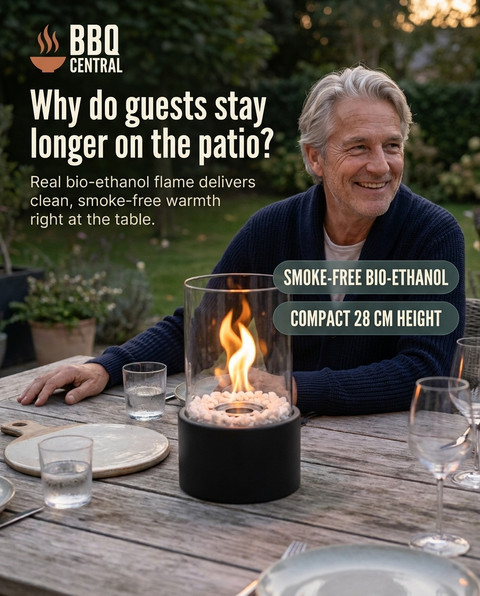
How your ads take shape.
A fire for long evenings.
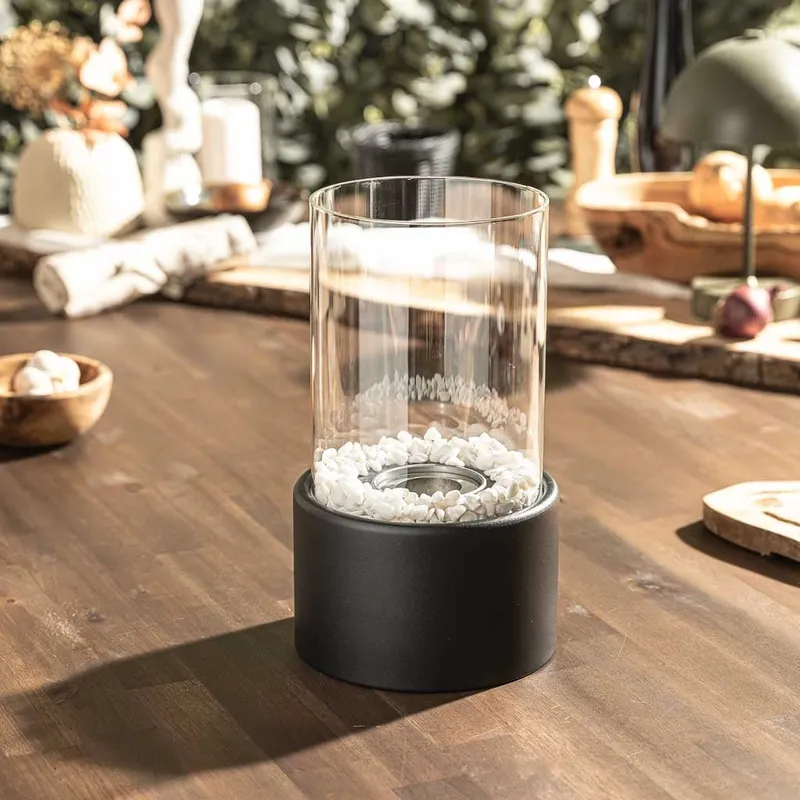 Images + benefits
MANTRAL develops your ads.



Built around your product and your brand.
Results from the studio
See the different ways a product can appear.
These studio results show different imagery, layouts and messages. Open the ads to see their details.
Select an example to see it in full size.
Which approaches could you create for your product?
Start for free02 / Create 1 to 50 ads
Test more ideas, messages and designs in one run.
You decide how many ads to create. Variation covers both the message and the design, giving you different approaches to compare.
- Several starting points
- Start from your own idea, a group of ideas or a selected advertising pattern.
- Your choice of quantity
- Create a single ad or up to 50 ads in one run. Choose the volume that fits your task.
- Broad variation
- Different angles, copy, visual ideas and layouts turn one product into several approaches to test.
You choose which drafts to take forward.
Many ads. Many different approaches.




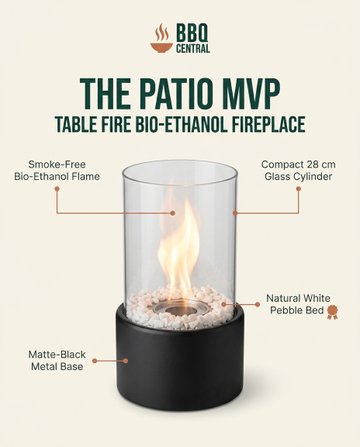
You choose the quantity. MANTRAL creates the variety.
03 / Transfer to Meta
Transfer your ads to Meta together.
Select your finished ads and prepare their publication together. Images and copy are carried over from the studio.
- Select together
- Select multiple ads that you want to use in your campaign.
- Set up once
- Choose the destination and check the campaign, ad set and destination URL.
- Continue in Meta
- Transfer your selection with its content. You do not have to upload each file and enter its copy separately.
You remain in control of selection and approval.
Send your ads to Meta together.
 Ad 1
Ad 1 Ad 2
Ad 2 Ad 3
Ad 3Images and ad copy are transferred together.
Static Ads Studio
Create your next ads from the knowledge of your own brand.
Free analysis, 500 starting tokens and a 30-day trial.
Start for freeView pricing and features