Starting point
Typical single-tool stack
Every tool starts with a new brief or prompt.
Mantral
Your store, brand, products, competitors and market form a shared context.

AI marketing for US e-commerce
Mantral connects US ad patterns, competitor research and your store context to planning and production, so you do not have to rebuild the brief in every tool.
Free, no credit card · GDPR compliant · Built in the EU
1
shared brand memory instead of a new prompt in every tool
4
connected phases: analysis, strategy, production and delivery
6+
specialized studios for daily e-commerce output
Individual tools vs. a marketing system
A strong result does not start with an empty chat window. It starts with reliable knowledge about your brand, products, audiences, competitors and market.
Typical single-tool stack
Every tool starts with a new brief or prompt.
Mantral
Your store, brand, products, competitors and market form a shared context.
Typical single-tool stack
Ideas and calendars have to be merged manually across tools.
Mantral
Analysis, actions and campaign planning connect directly.
Typical single-tool stack
Copy, images, ads and pages are created in separate workspaces.
Mantral
Specialized studios work from the same brand and the same plan.
Typical single-tool stack
Tone, claims and visual guardrails have to be re-explained in every tool.
Mantral
Approved brand context stays available to every studio.
Typical single-tool stack
Files, links and statuses are moved from tool to tool by hand.
Mantral
Planning, production, approval and publishing remain connected in one workflow.
The modules
Use only the modules you need right now. The context stays the same, and that is what turns separate features into a system.
01
Track the advertising and the recurring patterns in your market, then put them to work in new campaigns.
View module02
Bounce ideas off your own brand AI, sharpen them and move straight into production.
View module03
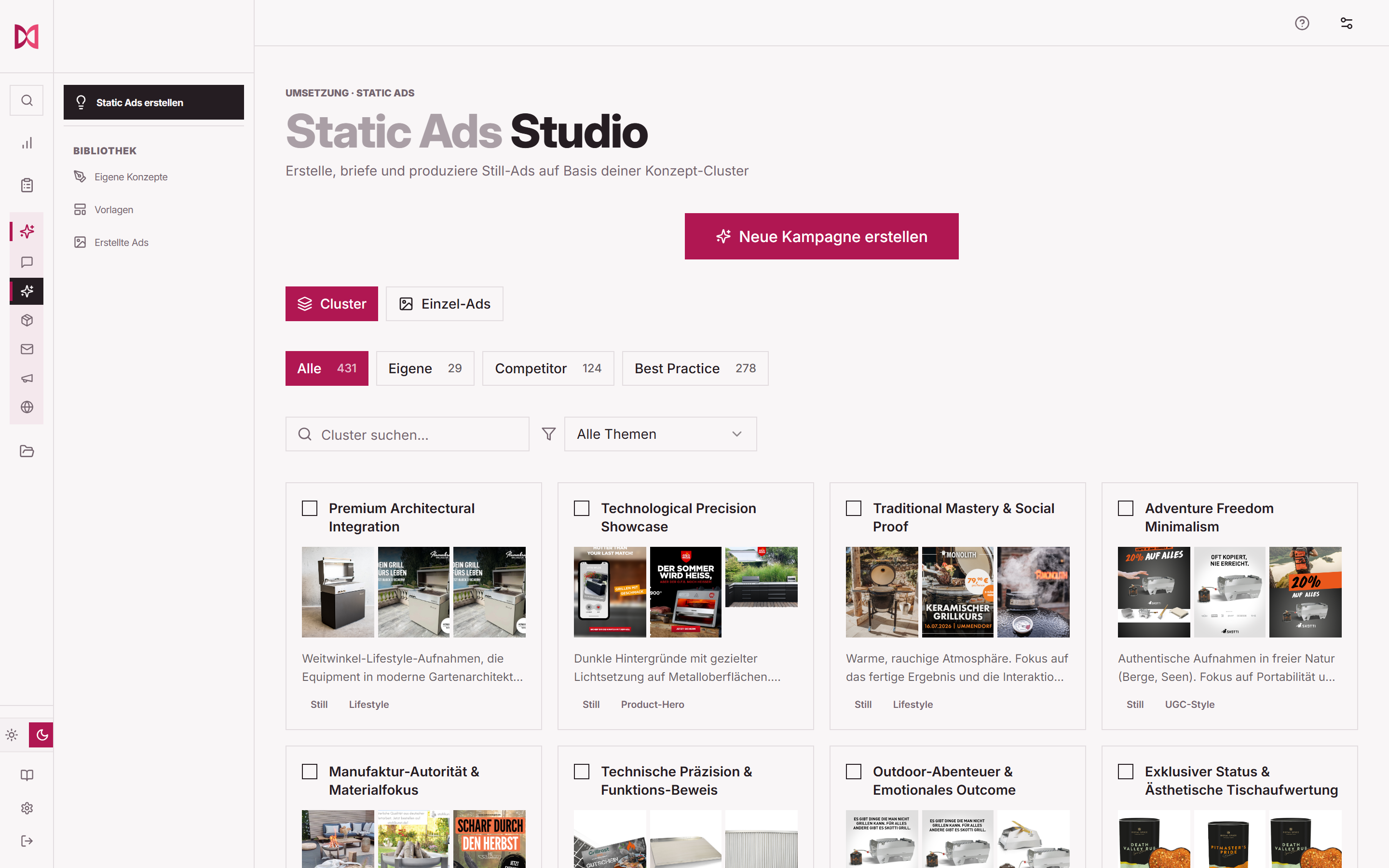
Produce and approve ad concepts and variants as one connected campaign.
View module04
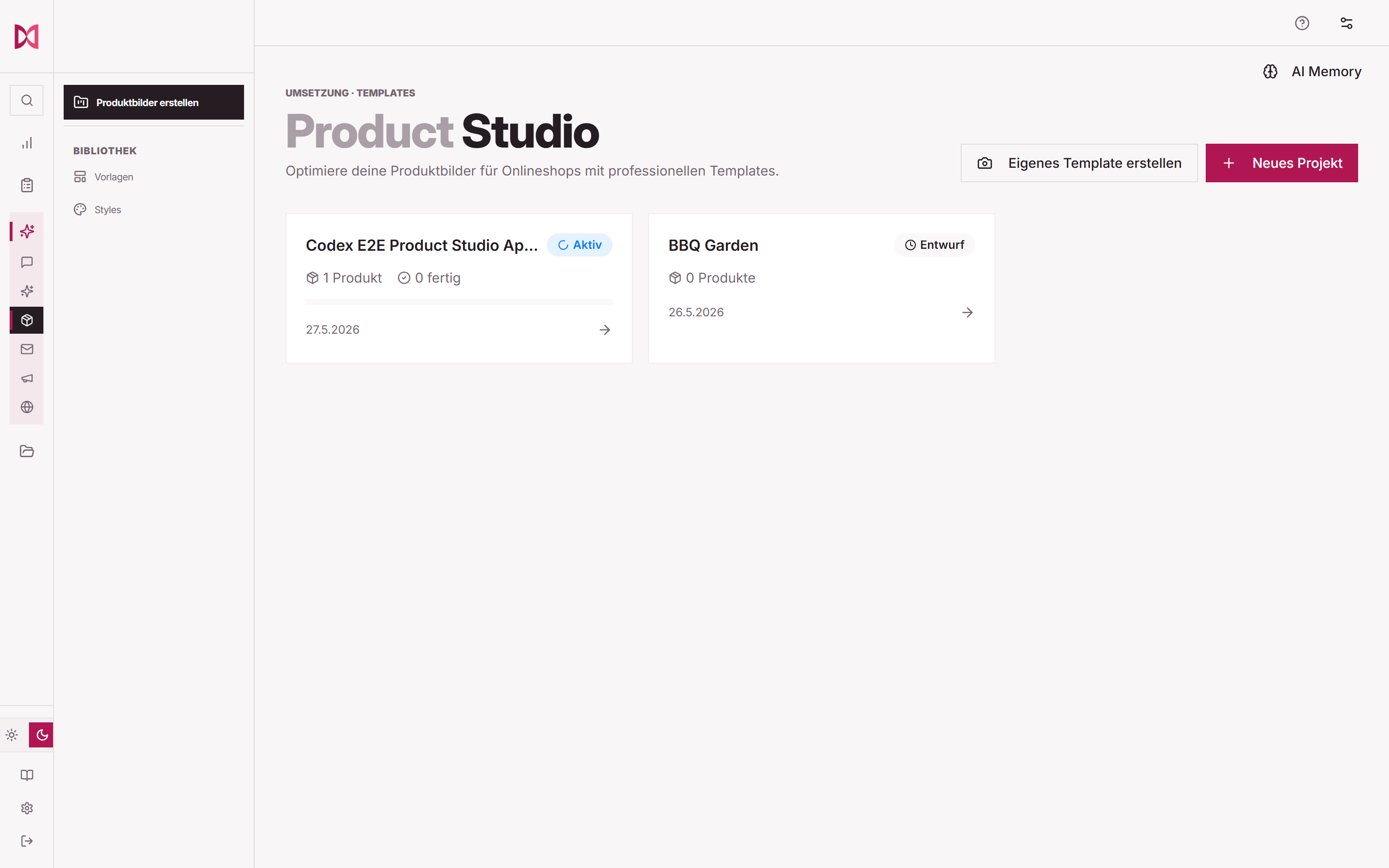
Build consistent image series for your store, marketplaces and campaigns from the product material you already have.
View module05
Bring the strategy, the editorial calendar and complete issues together with your brand and product context.
View module06
Build and refine campaign pages from modular blocks, then get them ready to publish.
View moduleOne starting point, one through line
01
Your store, products, brand, competitors and market are analyzed as the foundation of your working context.
02
Insights become actions and campaigns instead of a loose collection of ideas.
03
The right studios turn campaigns into finished assets, all working from the same context.
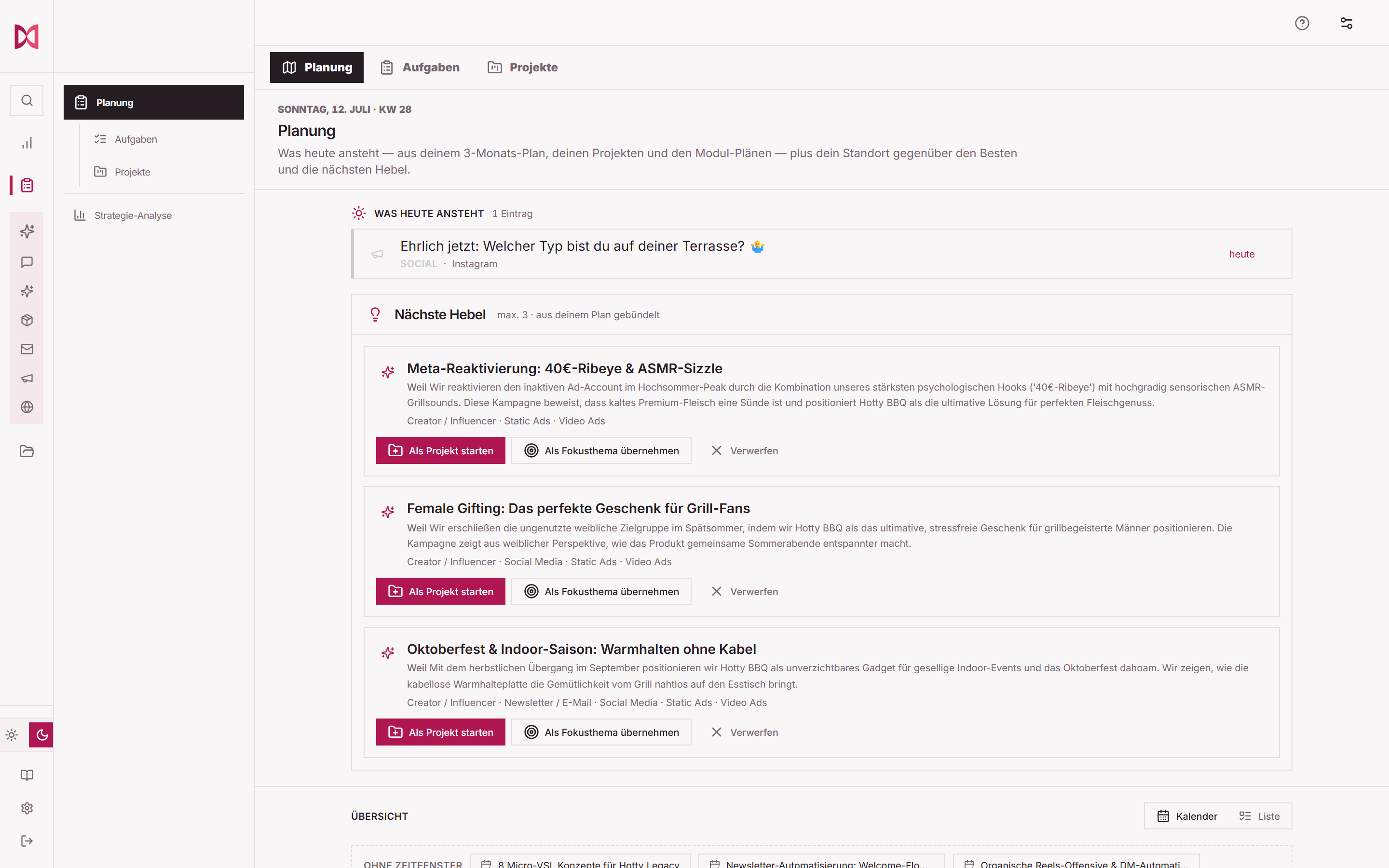
Not a concept mockup
The interfaces shown here come from the live product. On these pages we use real product screens and real output as proof, never invented dashboard mockups.
Questions before you start
Start with your store URL. It becomes the context that planning and the studios work from.